Say your answer
With Pro, say the words you heard instead of typing them, and after a correct answer say the whole sentence and see which words came through clearly.
⏱ 2 minutes
Type it, or say it.
A microphone in the text box writes what you say. After a correct answer it listens to you saying the whole sentence.
Say the words you heard
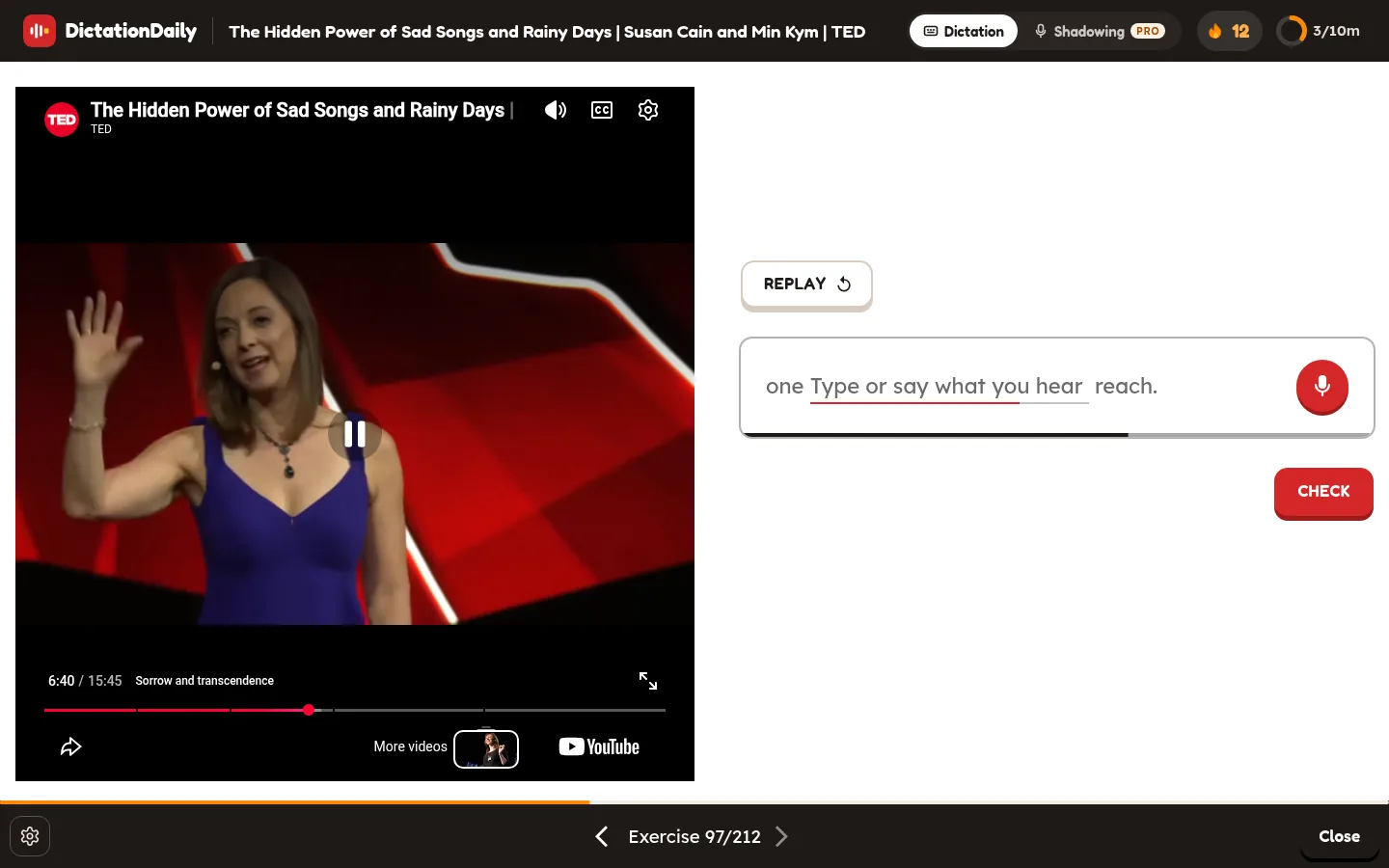
At the right end of the text box there is a red microphone. Tap it: the video pauses, the box turns green and says Listening…. Say the words you heard. It stops by itself when you go quiet (tap the microphone again to stop sooner), writes them down, and they appear in the box as if you had typed them: after the words already there, or in place of a word you had selected (such as the one a hint marks). Then check as usual with Enter.
Mix typing and speaking
Type part of it and say the rest, say it in pieces, or fix one word by typing. Saying the given words too is fine.
Understanding, not pronunciation
There is no score here: the answer is checked exactly like a typed one. To work on how you sound, see below, or Shadowing.
No key for it
The microphone is tapped, never pressed: Enter always checks your answer. Typing, or Esc, while it listens drops the recording.
If nothing was heard, the box says Didn't catch that. Say it again or type it. Names and places are hard to say, so the recogniser is told them in advance (and names are never checked anyway); the words you have to find are never given to it. Voice answers count towards the same daily number of checks as Shadowing.
Then say the whole sentence
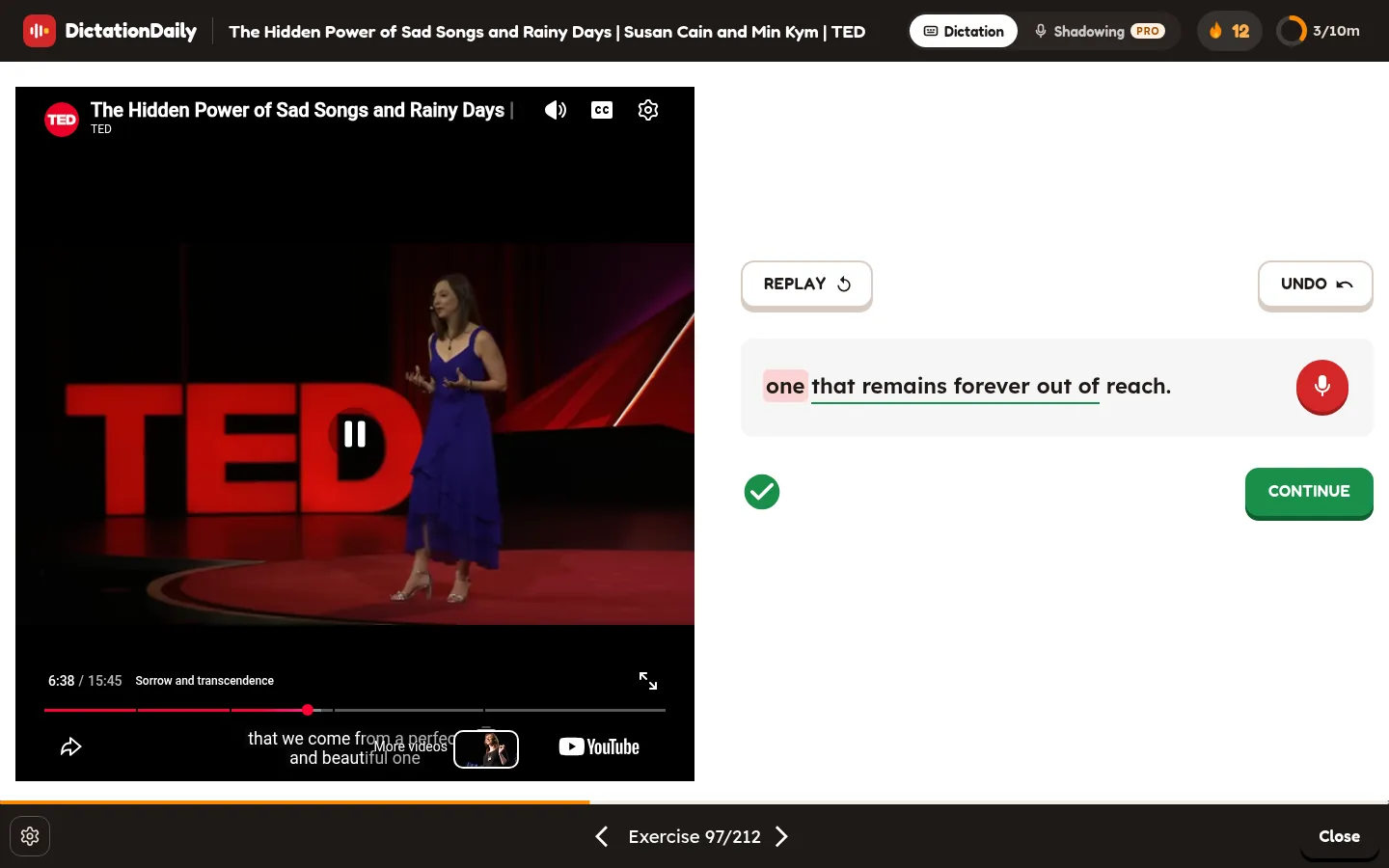
Once your answer is right, the microphone stays in the same place, next to the finished sentence, and now listens to you saying the whole sentence, so you can practise pronouncing it straight away. Tap it, the video pauses, say the sentence; it stops once you go quiet (or tap it again).
Green and red words
Your take is checked like a Shadowing line: the words that were heard turn green, the ones that weren't turn red and are underlined.
The ear and the ring
The green tick under the sentence becomes an ear inside a ring showing how much was heard (for example 86%). The ear plays your take back.
Again and again
Tap the microphone to try again as often as you like. Nothing is saved: Space (or CONTINUE) moves on as usual.
Esc while it listens drops the recording; after a take, Esc (UNDO) clears it together with your answer. These checks count towards the same daily number as Shadowing's.