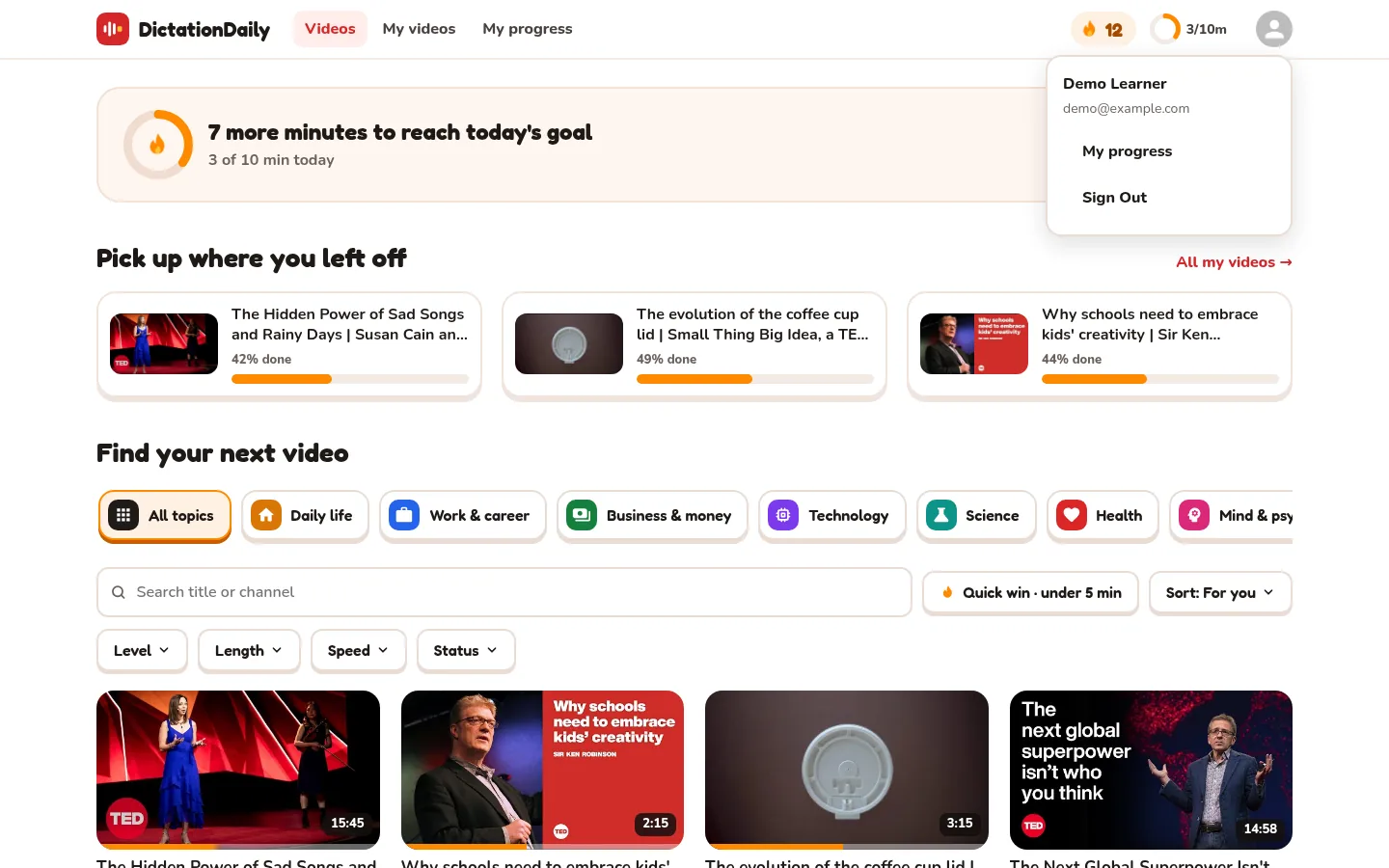
Save your progress
Sign in with Google. The app remembers where you stopped.
⏱ 1 minute
Continue later
Lessons open where you stopped.
Streak and goal
Count your days and minutes.
Any device
Start on a computer, continue on your phone.
Sign in
-
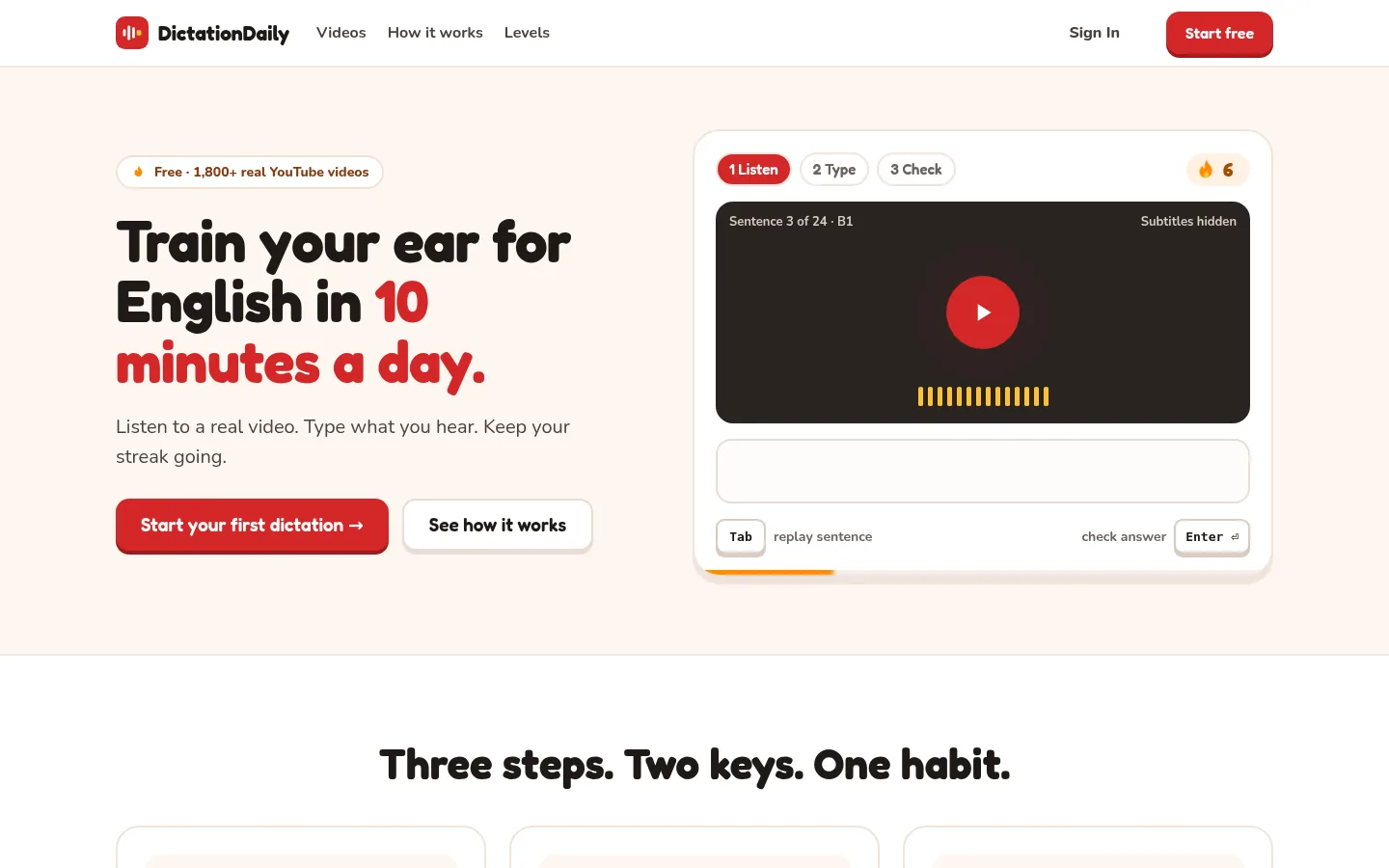
Click Sign In
It's at the top right of every page.
-
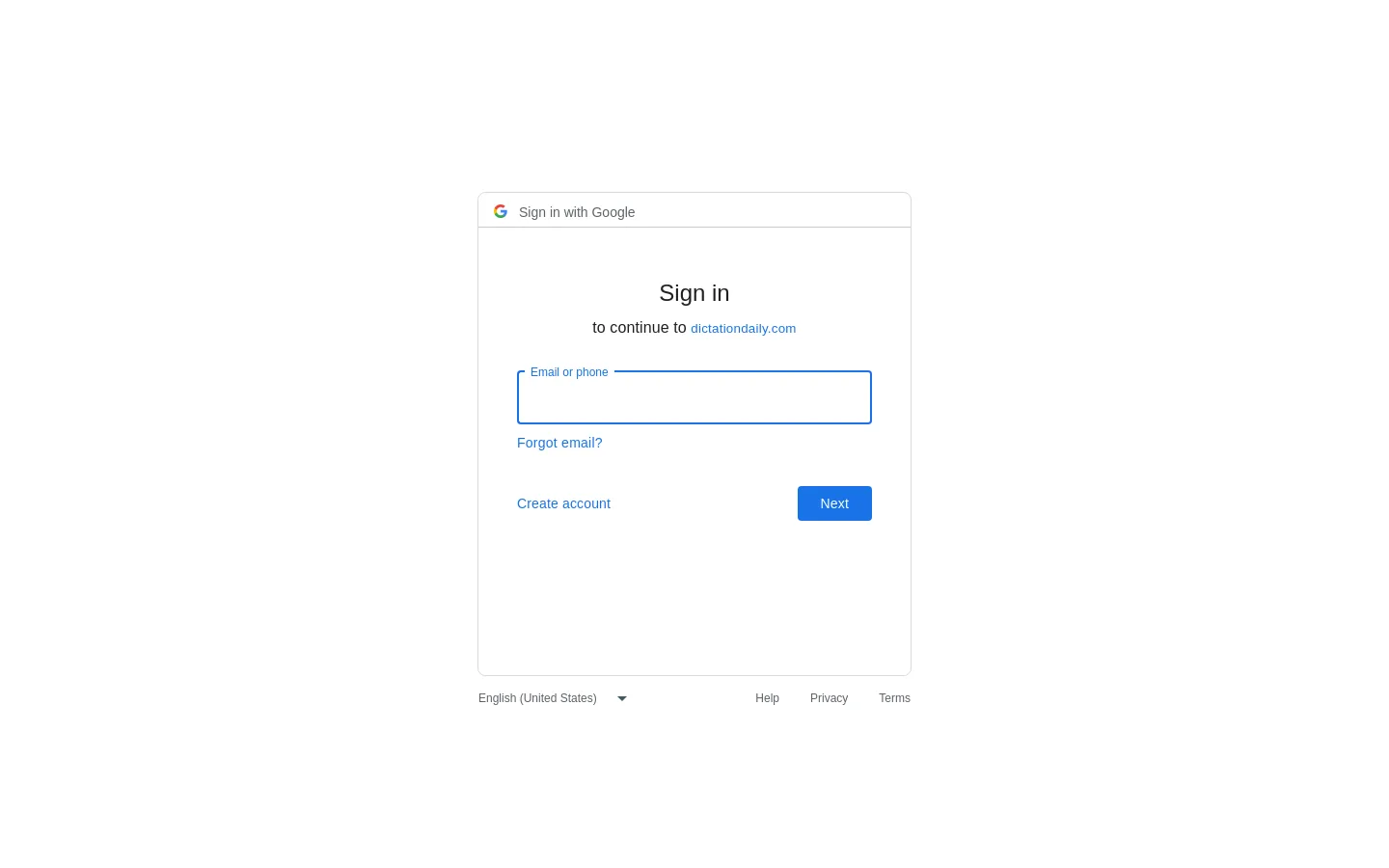
Choose your Google account
There's no new password to remember.
-
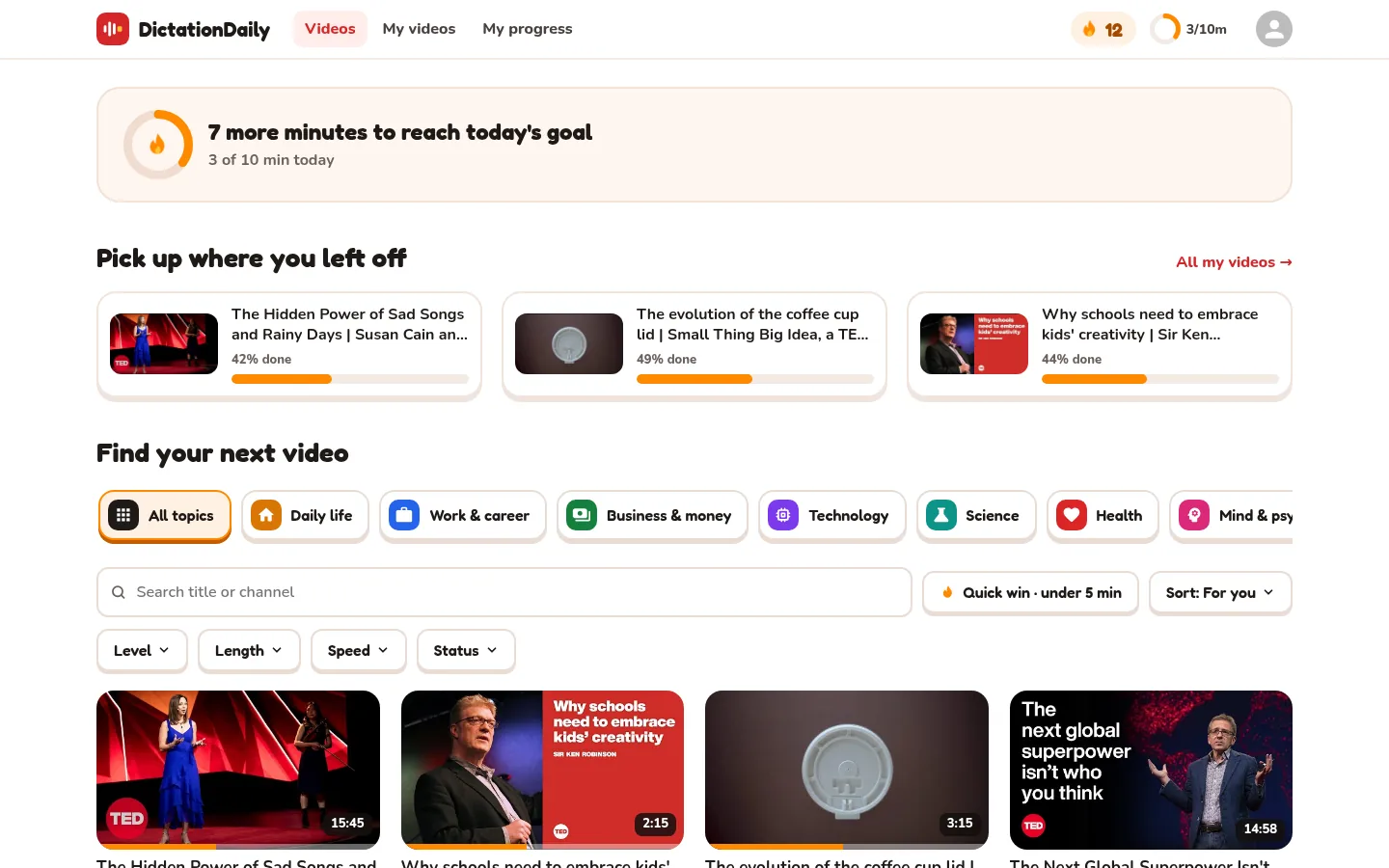
Done!
Your picture is at the top right. Next to it: your streak 🔥 and today's goal.
When is it saved?
Every time you see the green ✓. Nothing else to do.
Continue where you stopped
-
Pick a video
At the top of the videos page, “Pick up where you left off” shows videos you started. The orange bar shows how much you did.
-
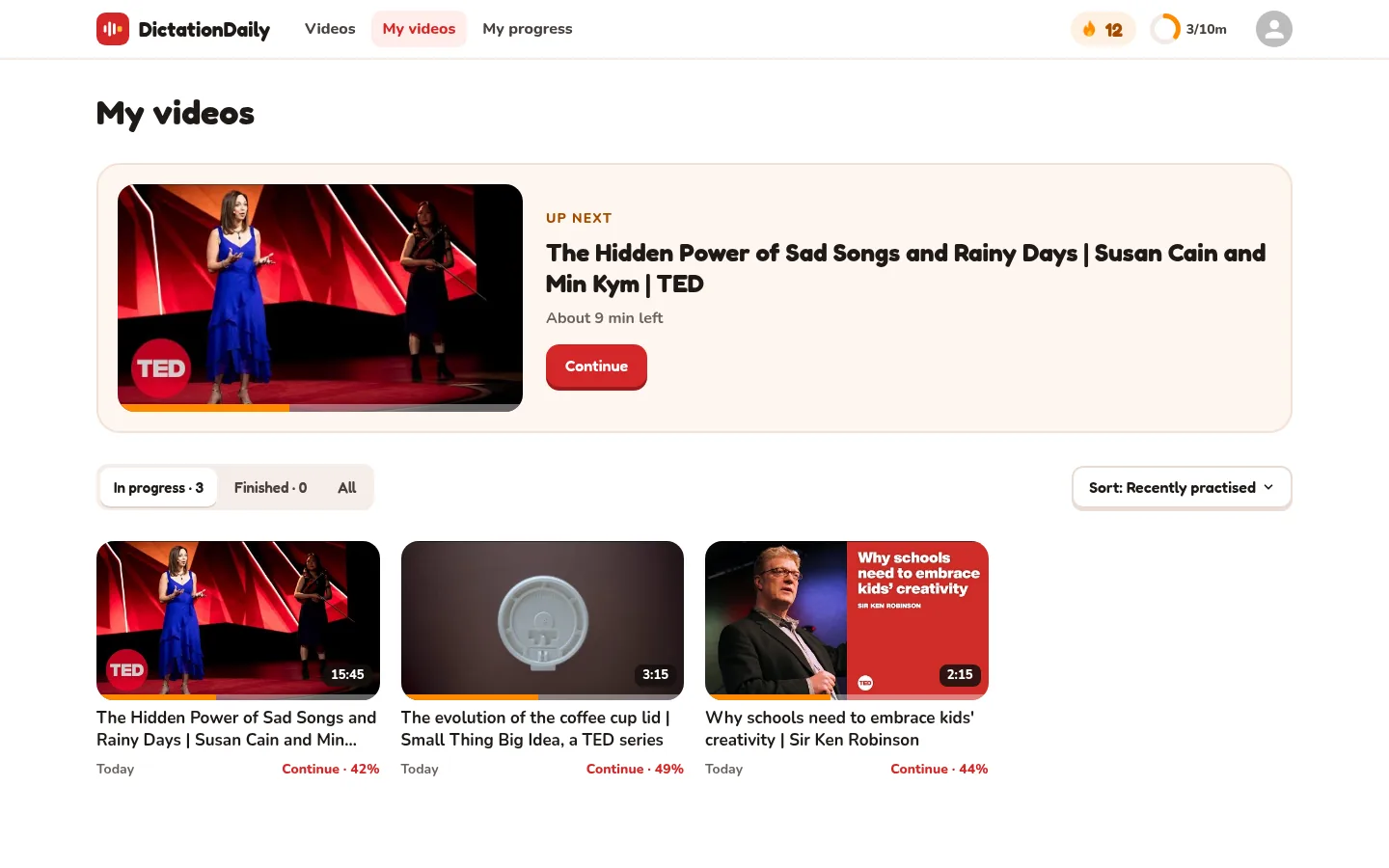
Or open My videos
Click My videos at the top. It shows every video you started.
-
Press Continue
The big card is the video you did last.
-
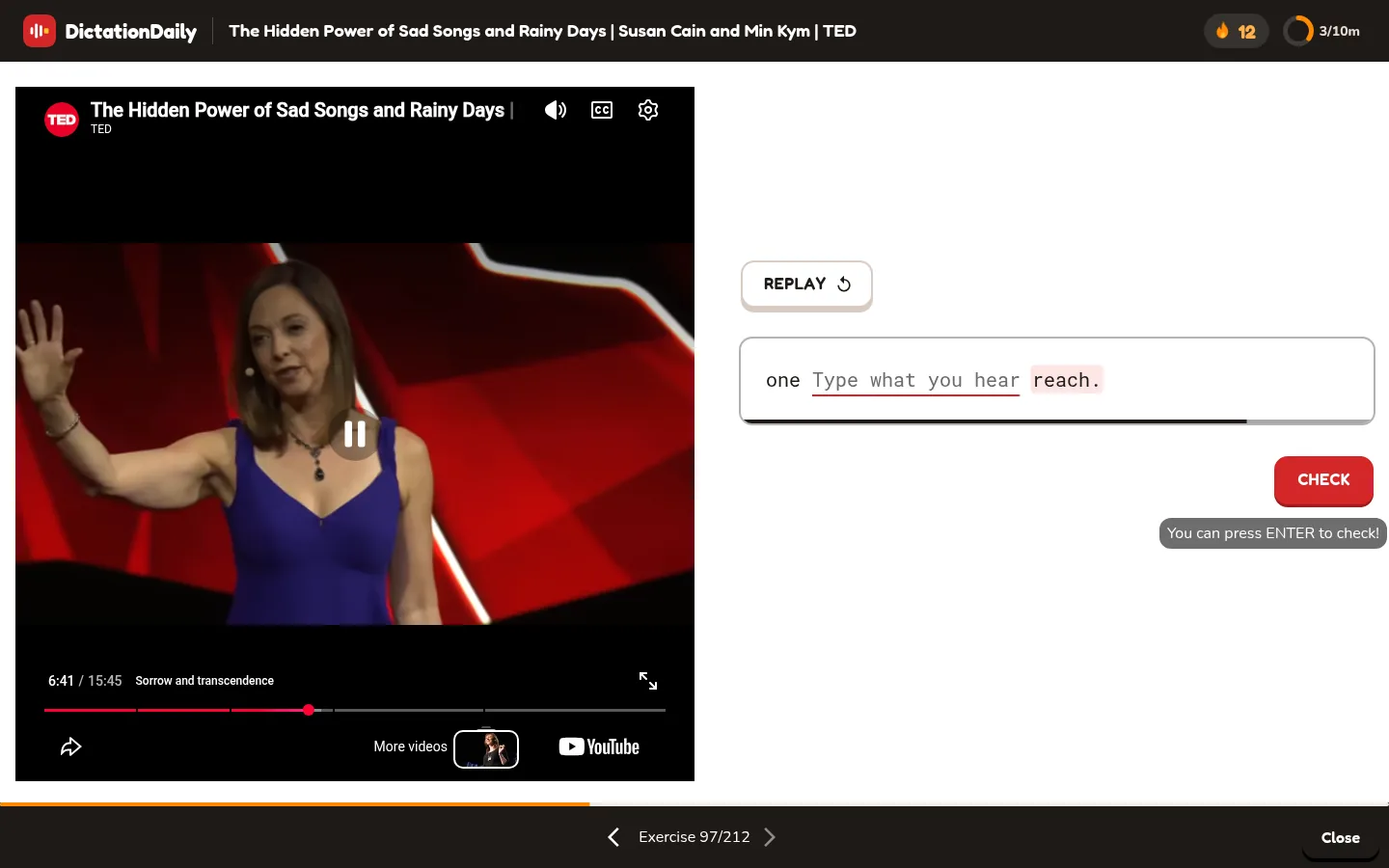
The lesson starts where you stopped
This learner did 96 sentences. The lesson starts at 97.
A video you finished shows Done on its card.
My videos
-
Finished videos
Click Finished. All shows every video.
-
Change the order
Click Sort. Try Least time left to finish a video fast.
-
Click a video
You see when you practised it and how much you did.
Sign out
-
Click your picture, then Sign Out
Your progress stays saved. Sign in again any time.