Find a video for your level
Pick a topic, a short video or a slow speaker.
⏱ 1 minute
Step by step
-
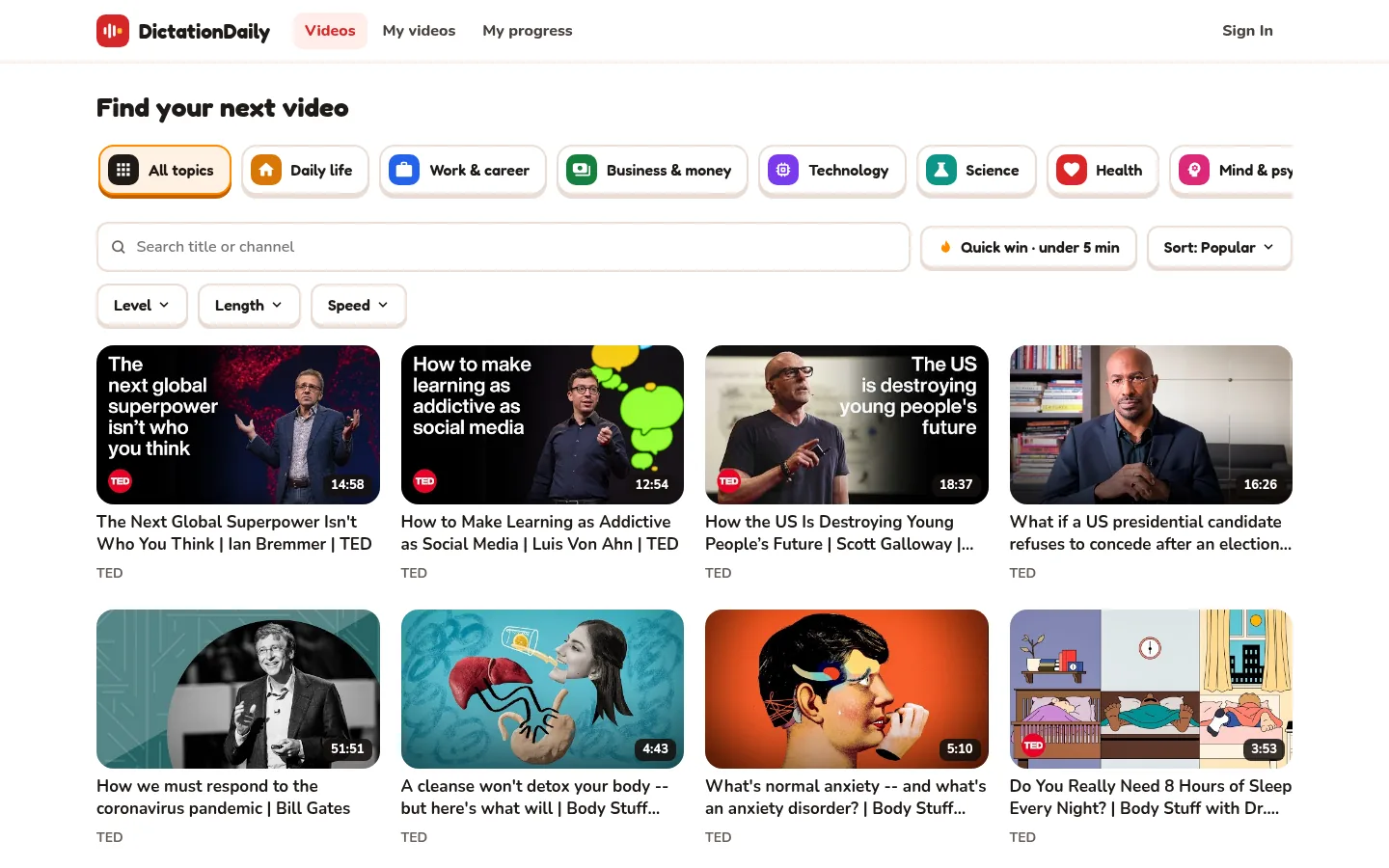
Pick a topic
Click a topic, for example Science. All topics shows everything again.
-
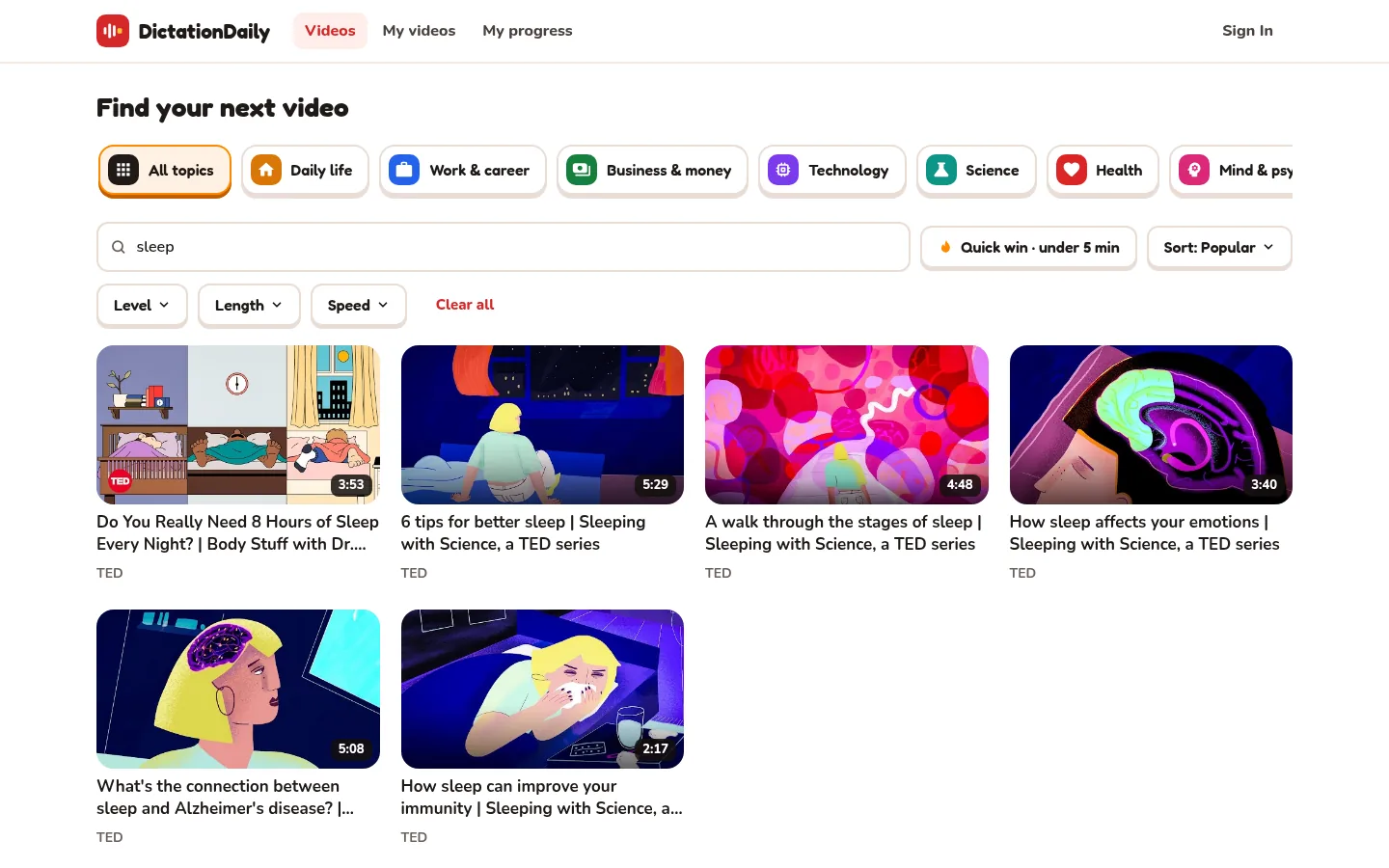
Or search
Type a word from the title or the channel. The list changes as you type.
-
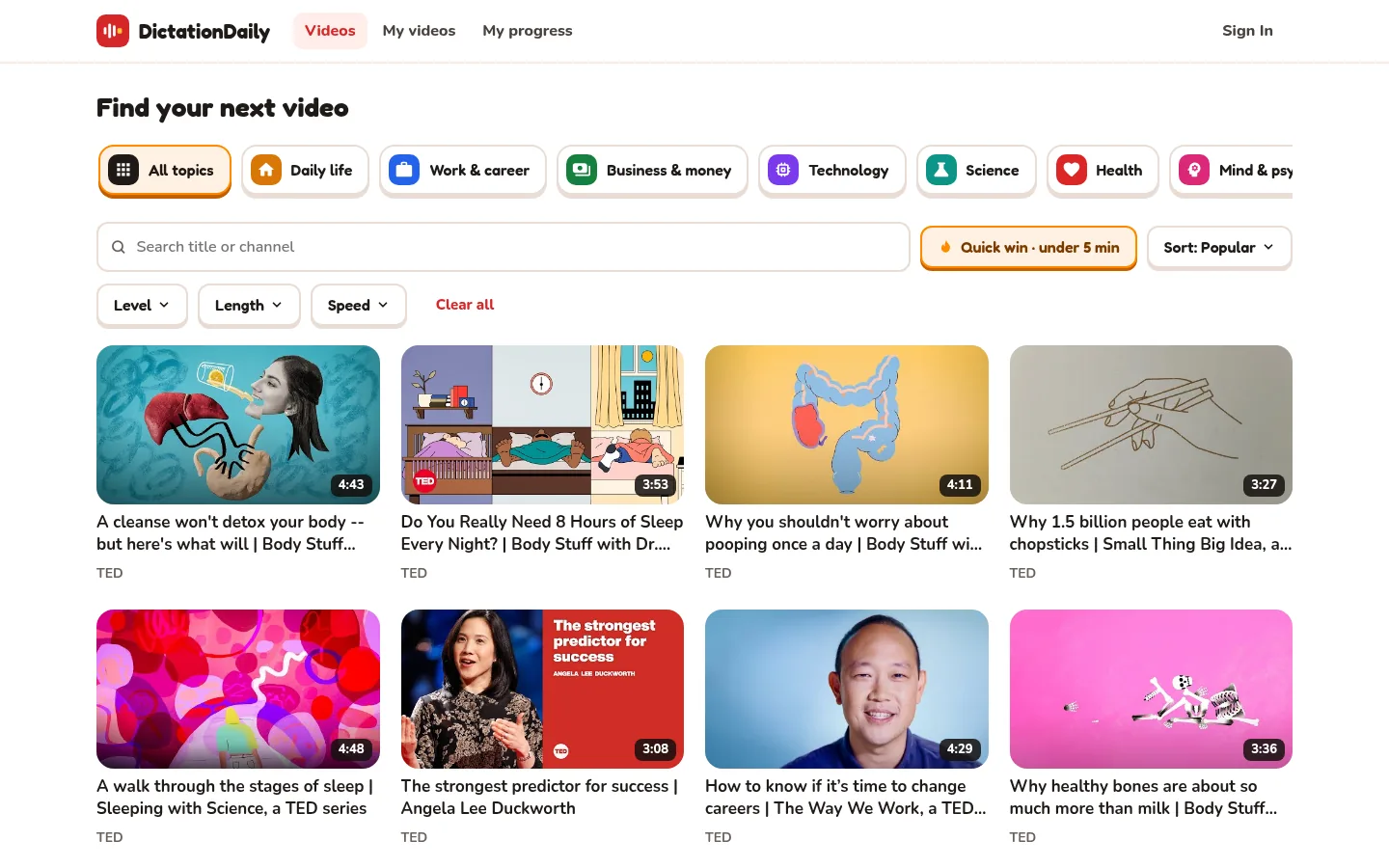
Short on time? Quick win
Click Quick win · under 5 min. You can finish a whole video today.
-
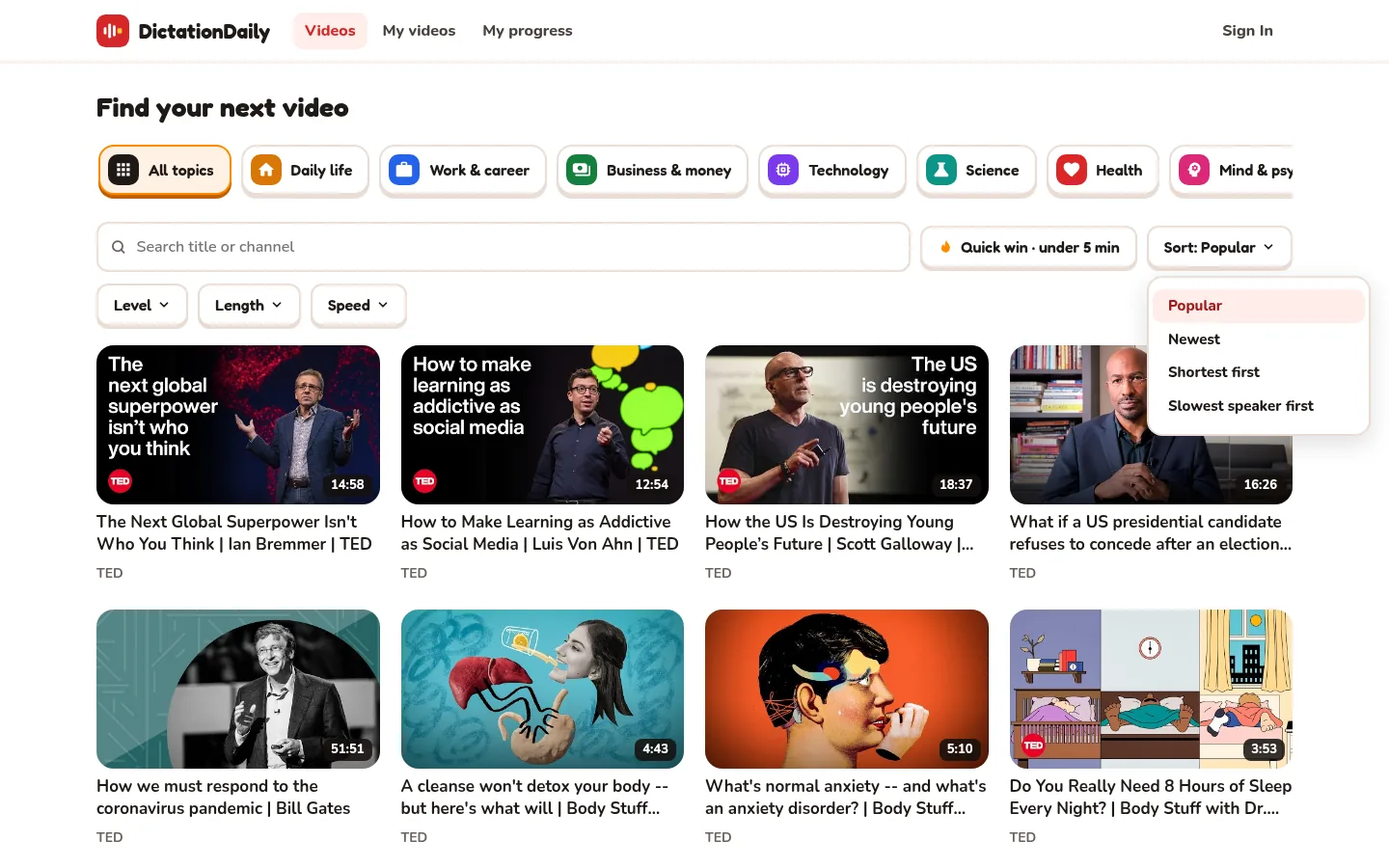
Choose the order
Click Sort. Slowest speaker first is great when fast speech is hard.
-
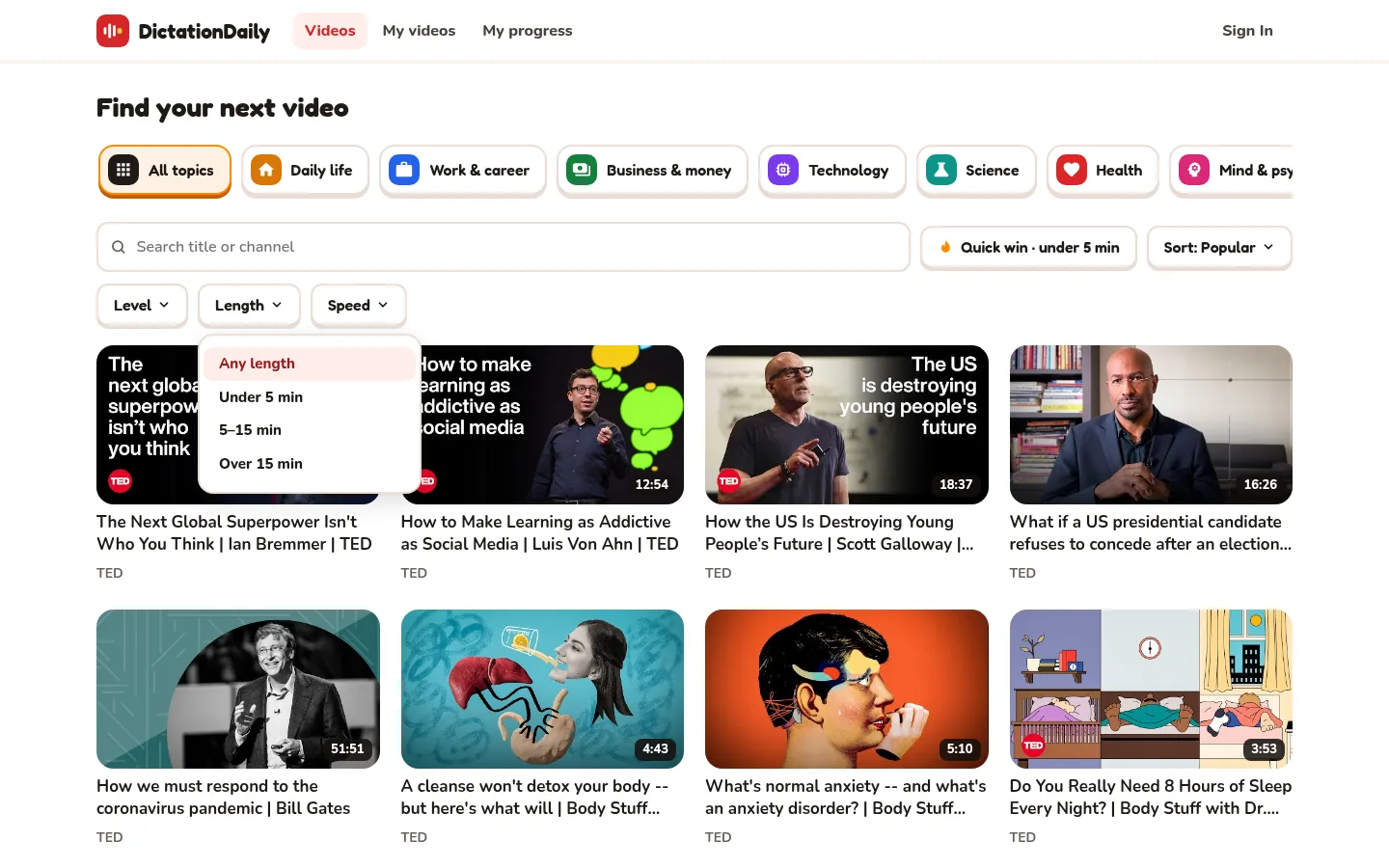
Level, Length, Speed
Each button opens a short list. Choose one option.
-
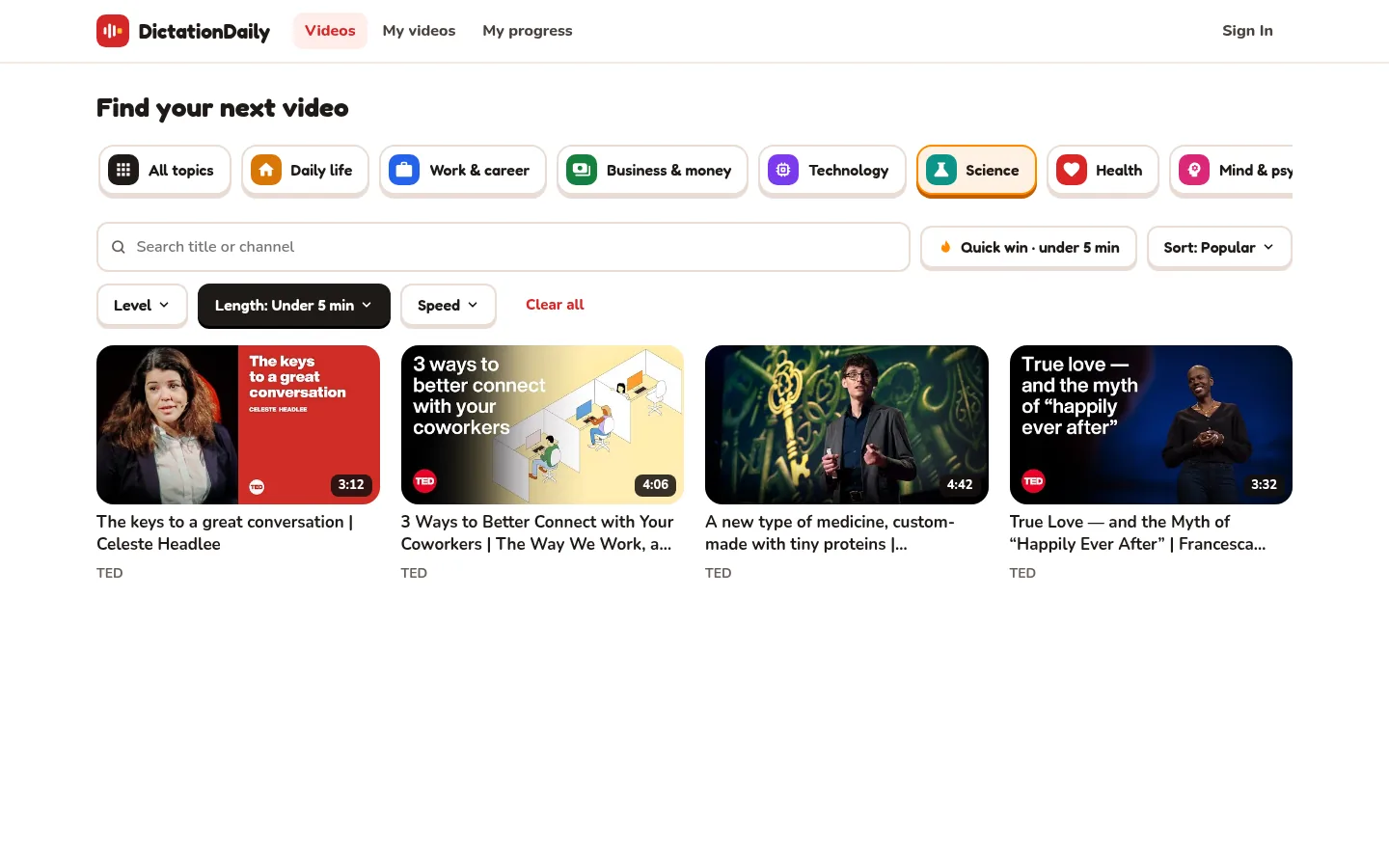
Clear all
Turns all your choices off.
-
Click a video
The lesson opens. Press Start!
Which level am I?
Click Level and choose one.
B1 · Intermediate
Clear speech about everyday topics.
B2 · Upper intermediate
Longer talks, normal speed.
C1 · Advanced
Talks about complex ideas.
C2 · Proficient
Fast, natural speech. A real challenge.
What's on a video card?
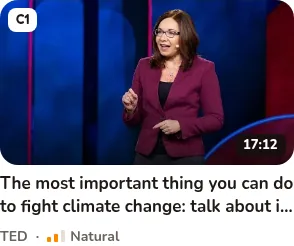
- 🏷️ Level (B1 to C2), top left
- ⏱ Length of the video, bottom right
- 🗣️ Speed: Slow, Natural or Fast
- 🟧 Orange bar or Done: your progress (when signed in)
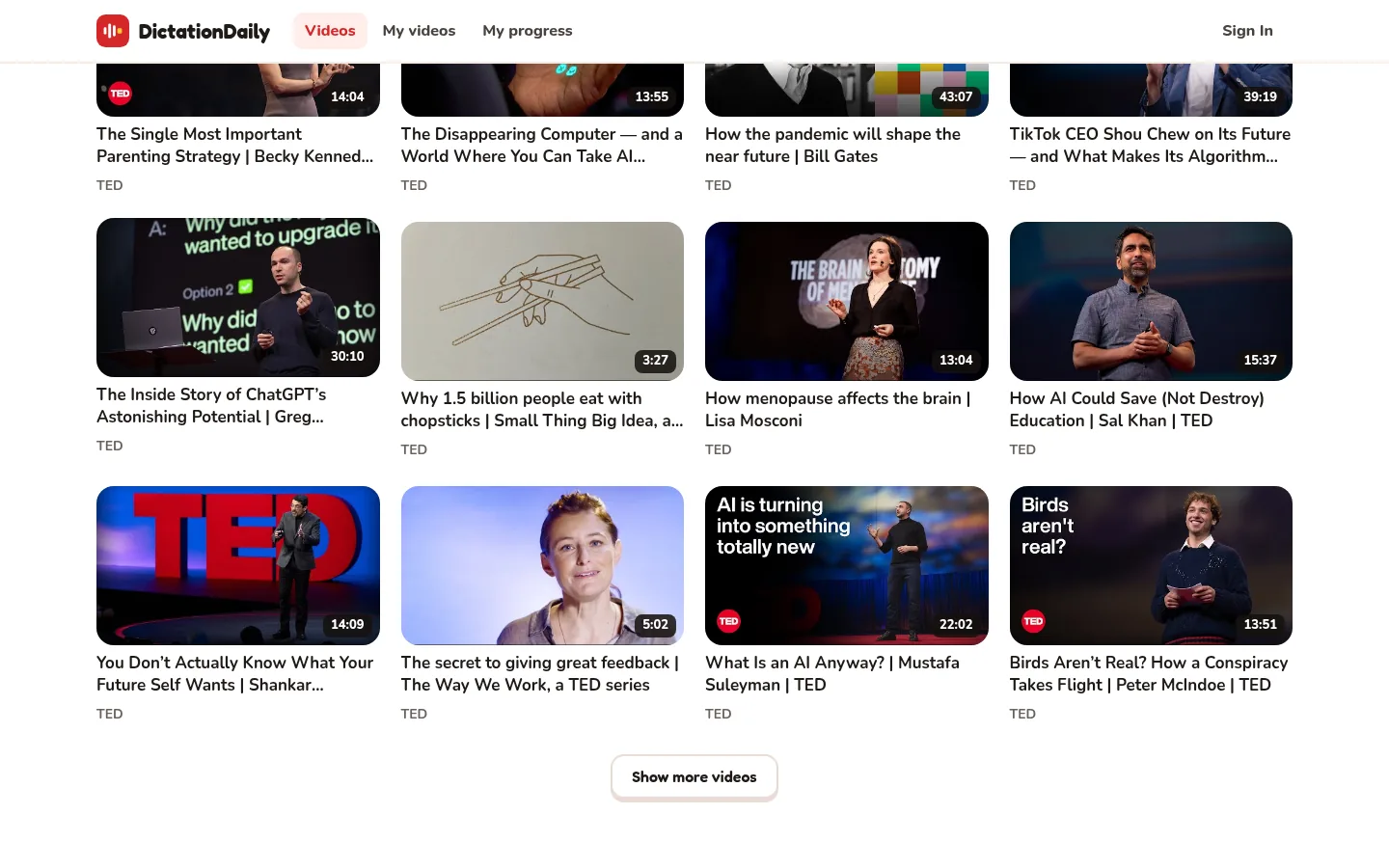
Want more videos?
Scroll to the bottom and press Show more videos.
When you're signed in
- At the top: Pick up where you left off. All my videos → opens My videos. See them.
- Sort: For you puts videos for you first.
- Status starts on Not finished, so finished videos are hidden. Choose All videos to see them.