Something's not working
Quick fixes for common problems.
⏱ 1 minute
🔇 I can't hear anything
- Check that your volume is on.
- Check the volume button on the video.
- Click Start with your mouse. Some browsers need one click first.
- Check that YouTube works in another tab.
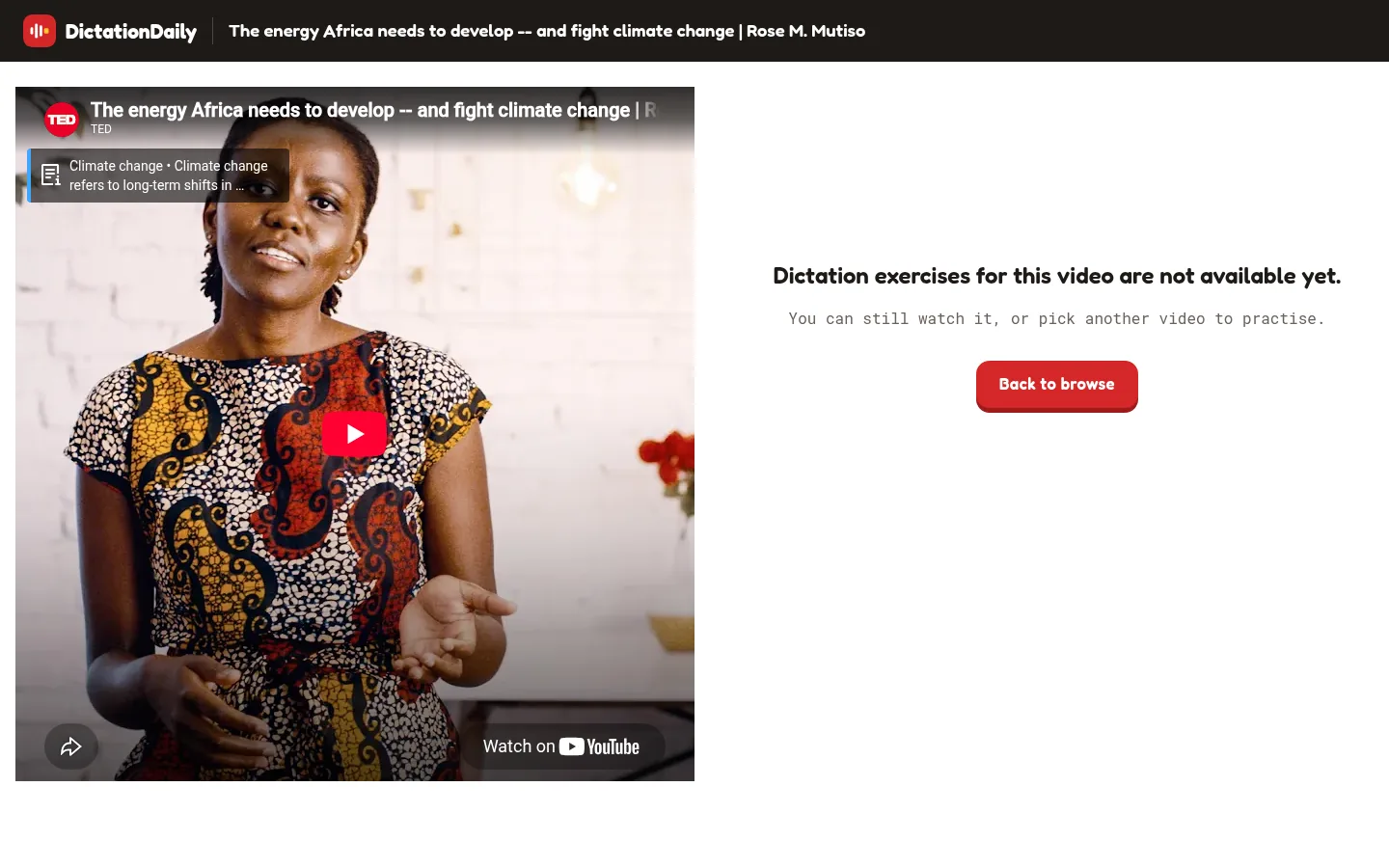
📄 “Exercises are not available yet”
This video has no sentences to type yet. You can watch it, or press Back to browse.
⏪ The video keeps jumping back
That's normal. The video stays on the current sentence. Use ◀ and ▶ at the bottom to change sentence.
⌨️ Enter or Tab doesn't work
Click inside the text box, then try again. Before the lesson starts, just click Start.
💾 My progress isn't saved
- Is your picture at the top right? If not, sign in.
- Wait one second before you press Start.
- Only correct sentences are saved, not skipped ones.
- Use the same Google account as before.
🔄 “Couldn't load videos” or “Something went wrong”
Press Retry or Try again. If that doesn't work, reload the page.
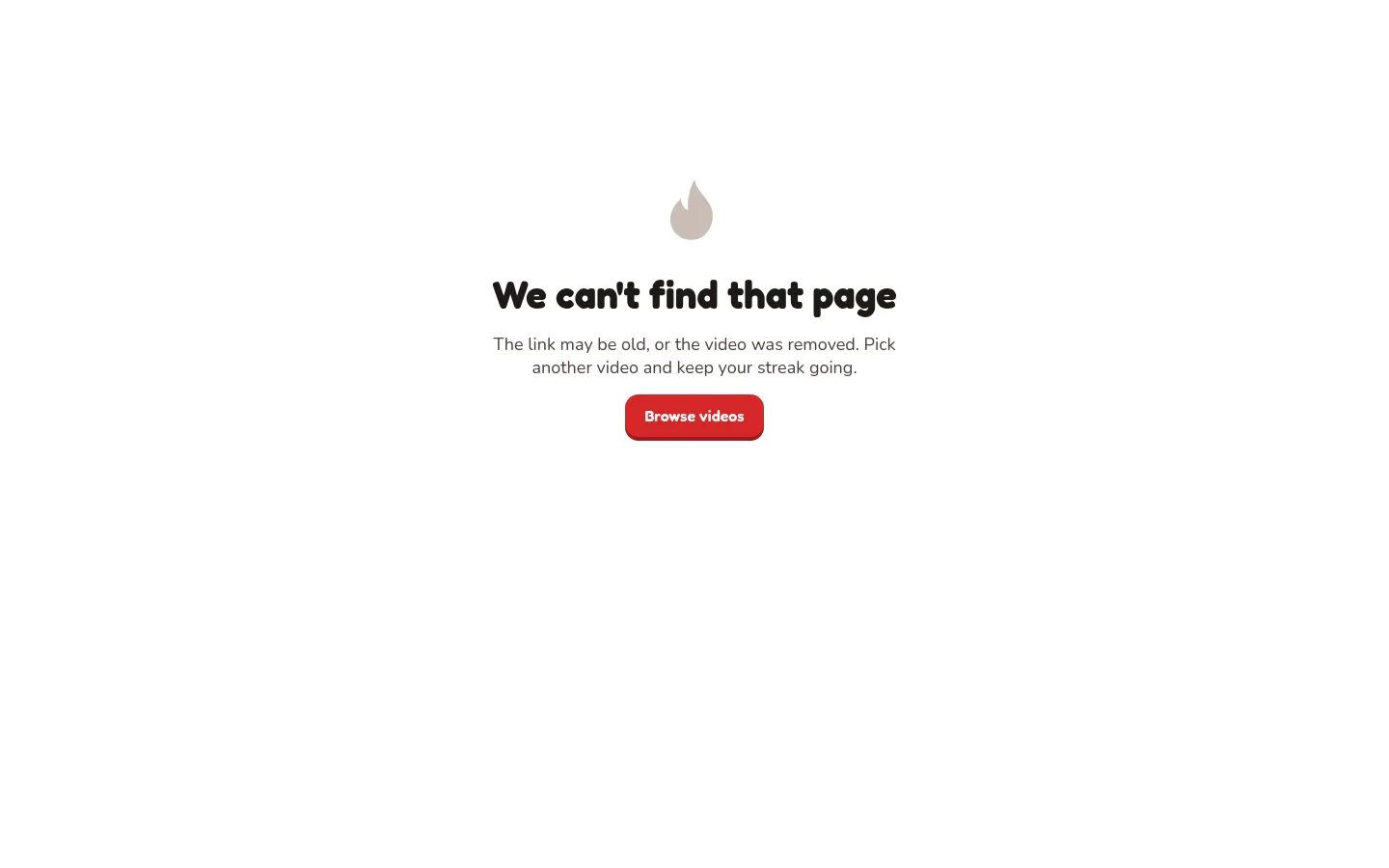
🔍 “We can't find that page”
The link is wrong, or the video was removed. Press Browse videos.
🔑 Google shows an error when I sign in
Try again in a private window. If it still fails, tell the site owner the error message.
Not here? Try Questions and answers.