Your language and translations
Learn English, French, German, Italian, Spanish or Portuguese. Sign in, and every sentence you finish shows its translation in your language.
⏱ 1 minute
Six languages to learn. Twelve to learn them in.
Real videos by native speakers, and the translation of every sentence in your own language.
Choose the language you learn
-
On the home page
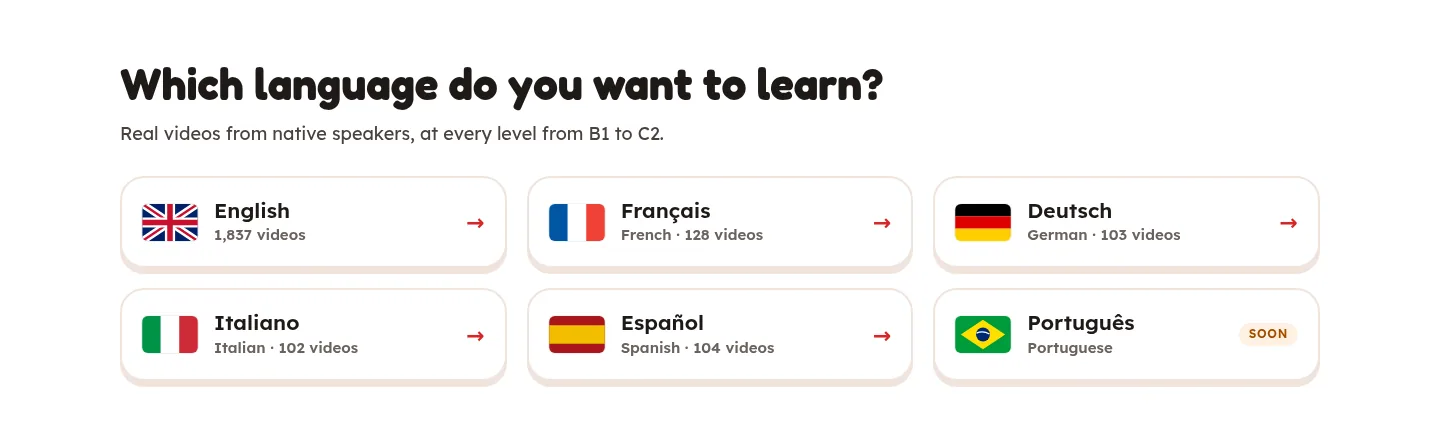
Scroll to Which language do you want to learn? and click a language. SOON means its first videos are still being made.
-
Or when you press Start
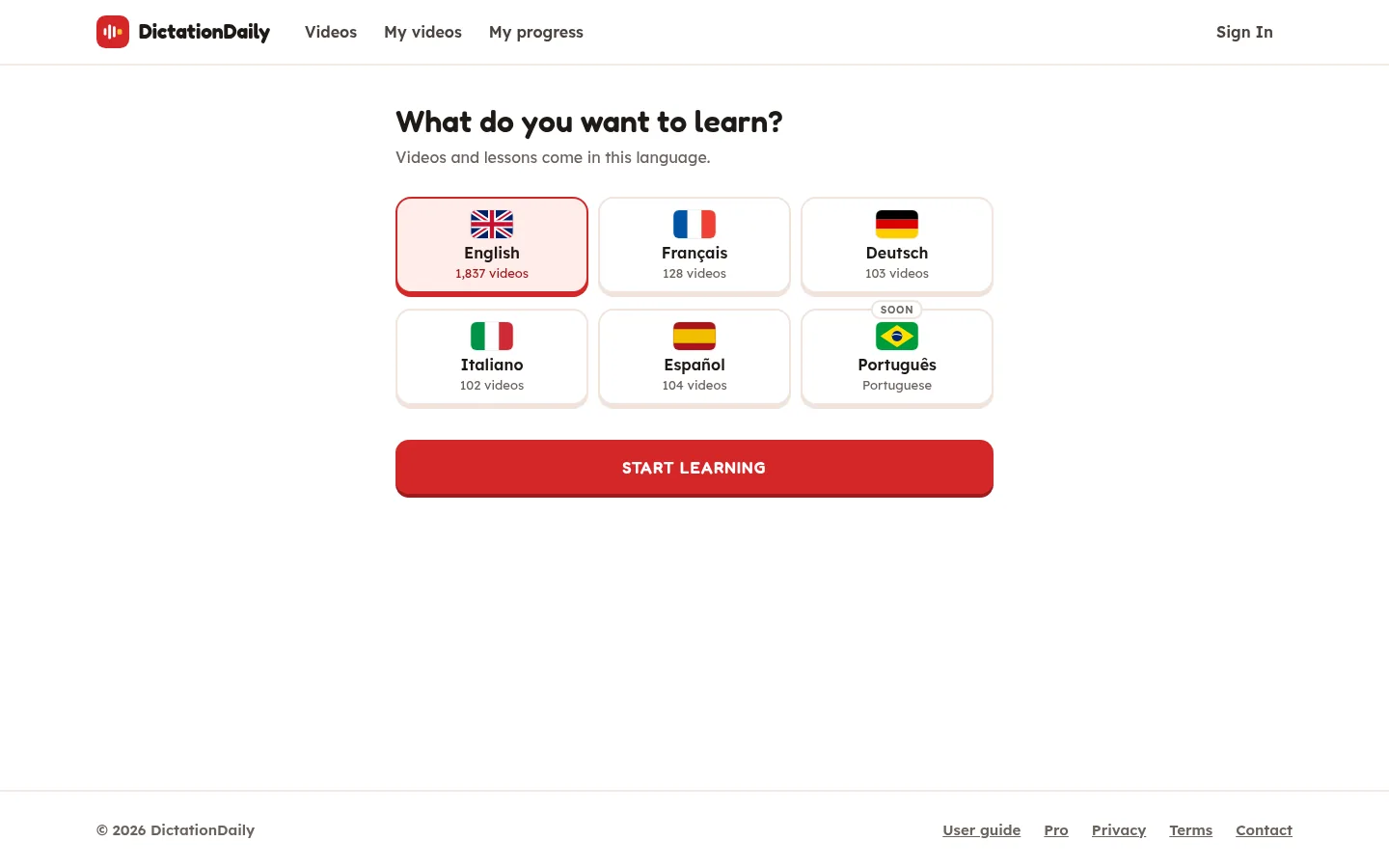
The first time, the app asks What do you want to learn? Click a language, then START LEARNING.
-
The videos change
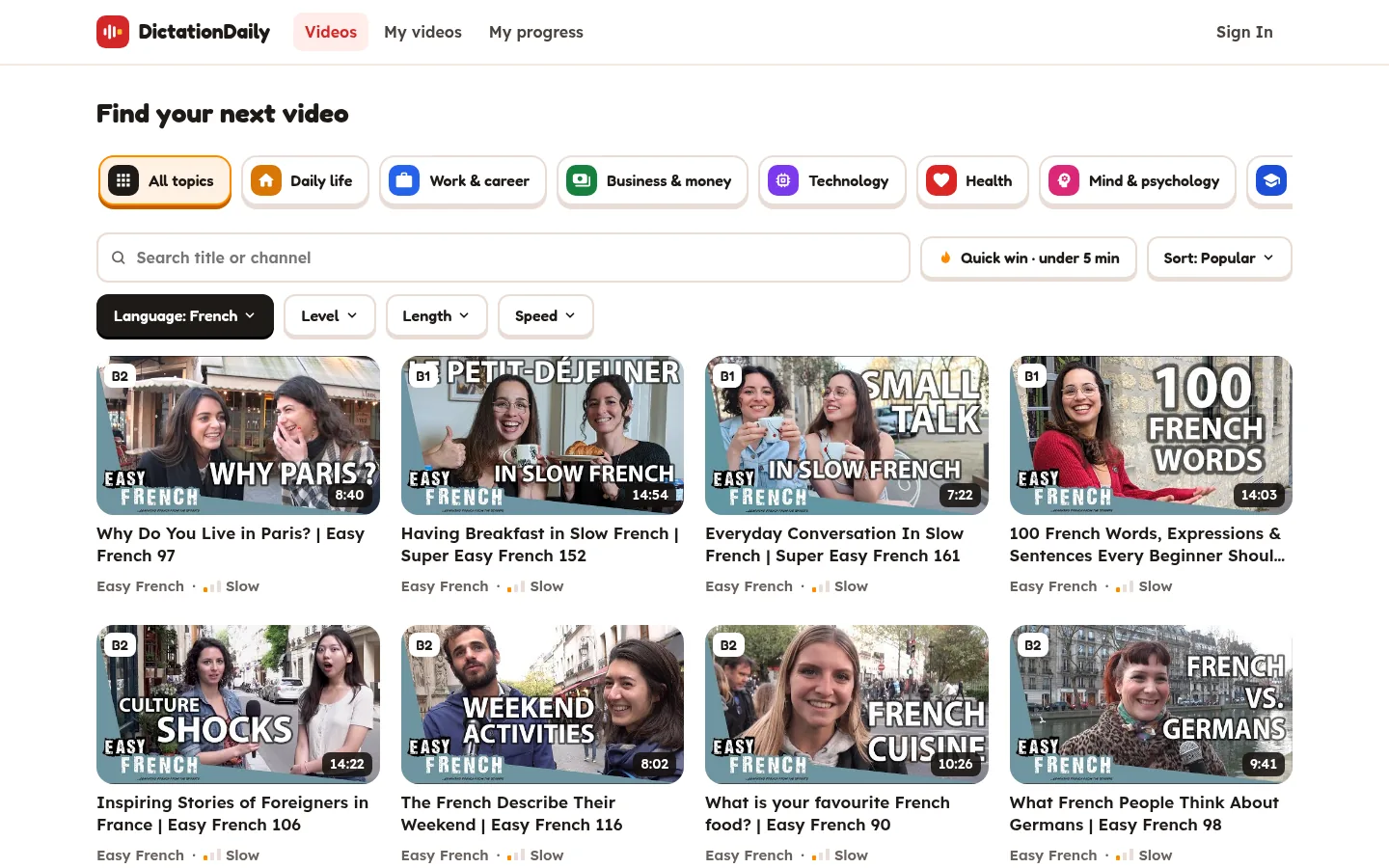
The library now shows videos in that language. Everything else works the same: topics, levels, Quick win.
English
TED talks, BBC Learning English, Great Big Story. 1,800+ videos.
French, German, Italian, Spanish, Portuguese
Street interviews from the Easy Languages channels. People talk at their normal speed, about everyday life.
The translation under each sentence
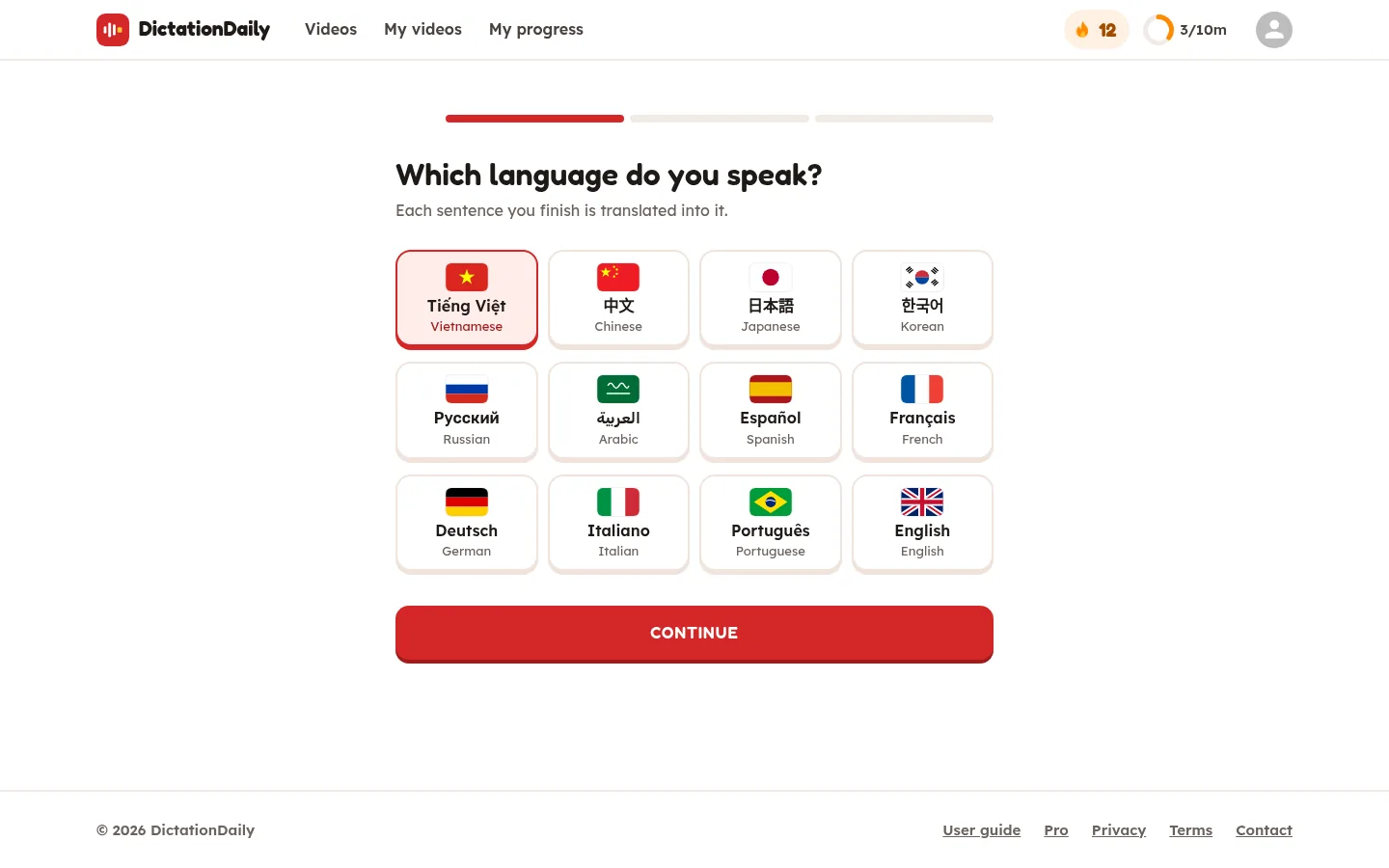
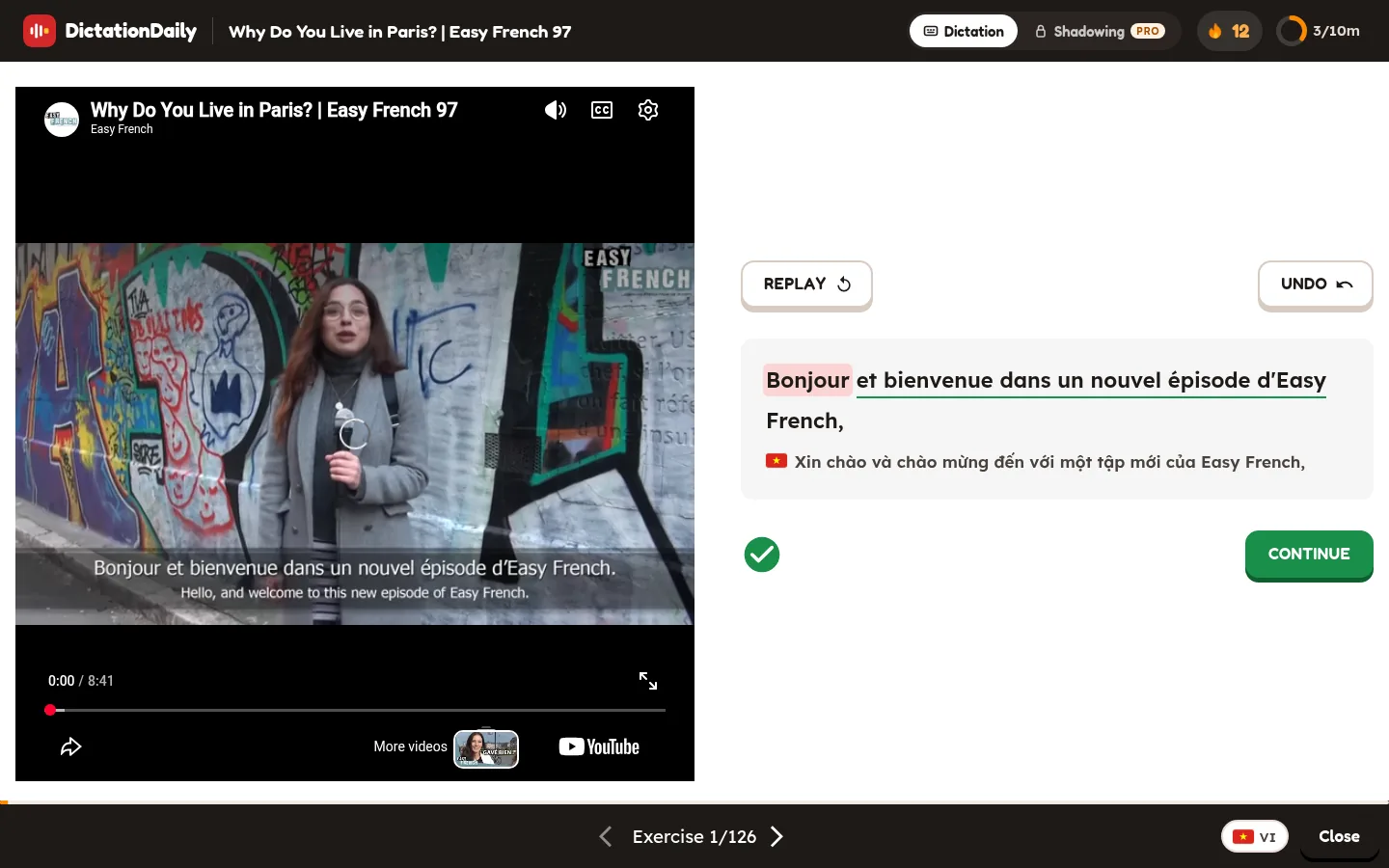
When you sign in, the app also asks Which language do you speak? From then on, every sentence you finish shows its translation in your language, under the sentence, with a small flag.
- In Dictation, the translation appears when the sentence is right. Never while you type, so it can't give the answer away.
- In a “Just listen” part, each line shows its translation while it plays.
- In Shadowing, it appears after your take is checked.
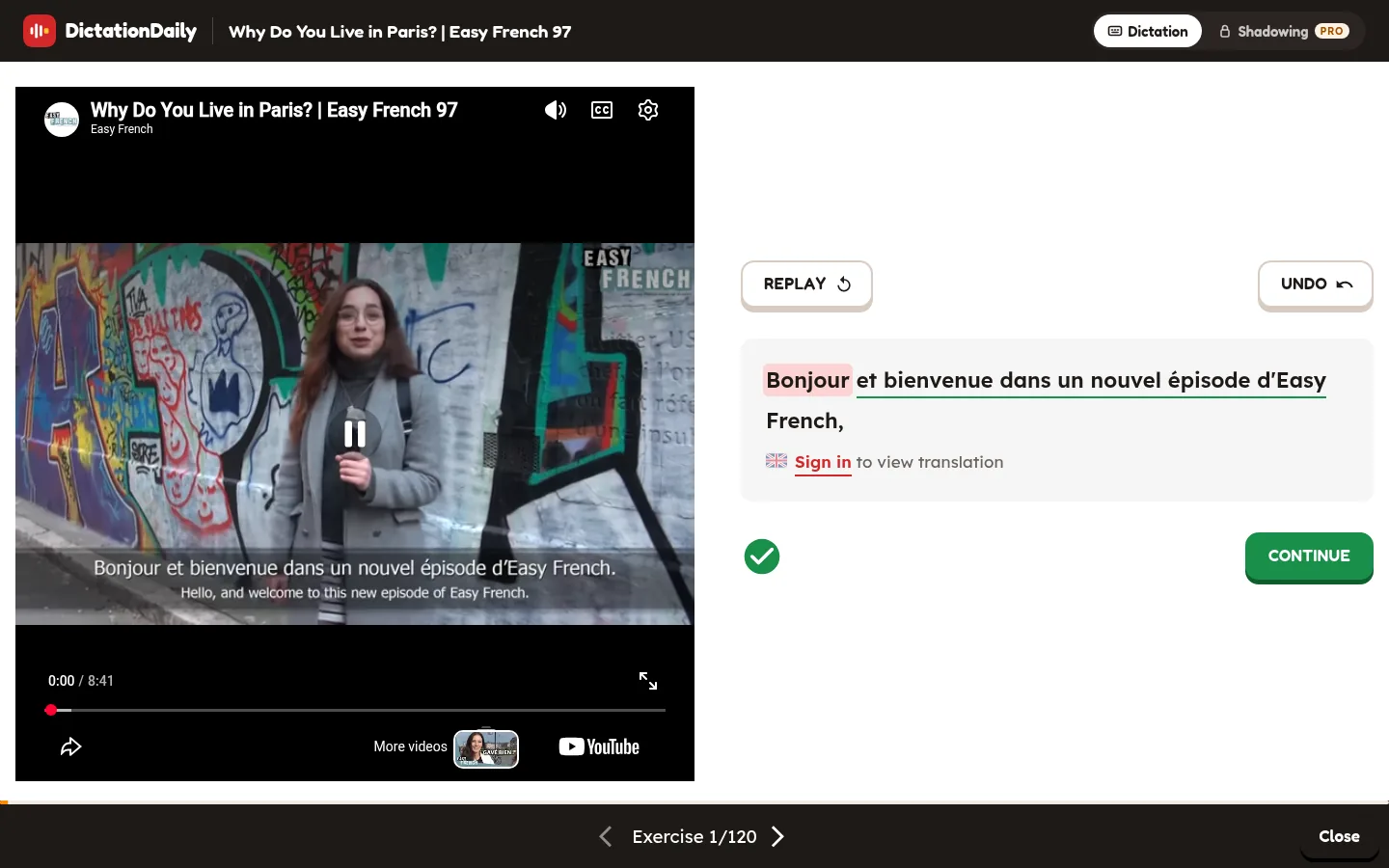
Not signed in? The translation's place says Sign in to view translation.
Hide or show translations
In the lesson's bottom bar, next to Close, tap the flag (you can see it in the picture above, at the bottom right). Tap it again to show them. The flag is only there when the video has a translation in your language.
One word, not the whole sentence?
Tap any word of a finished sentence to see what it means here, hear it, and read its dictionary entry: Look up a word.
Change your languages
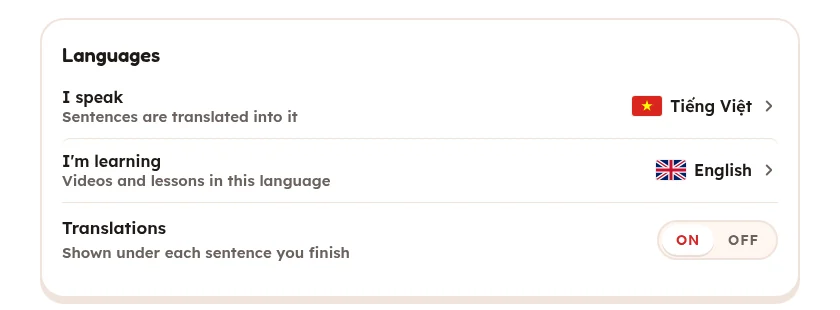
Click your picture at the top right, then Settings › Languages:
- I speak: your language. Translations and word meanings use it.
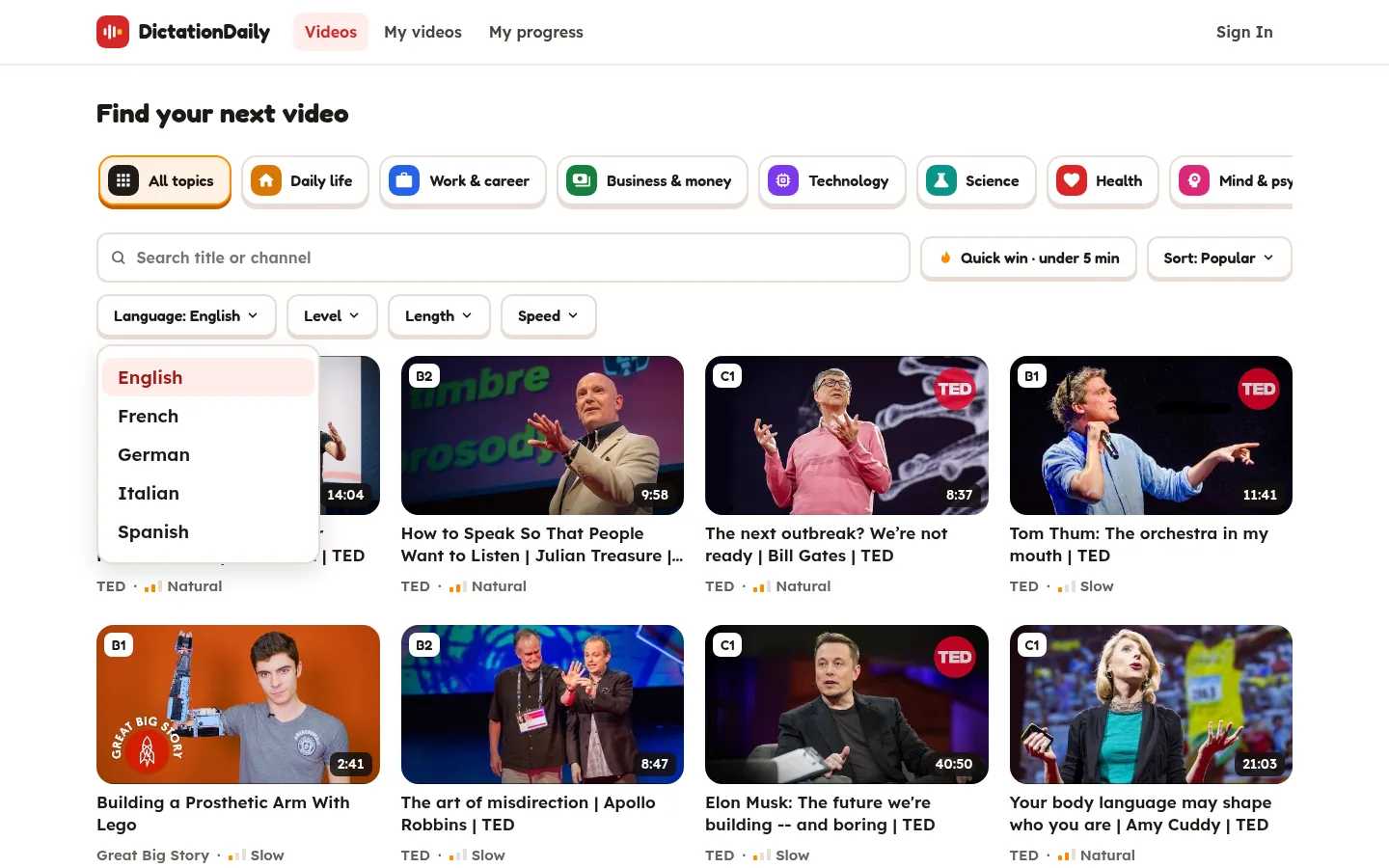
- I'm learning: which videos the library shows. You can also use the Language menu on the videos page.
- Translations: on or off.
Good to know
- Your language can be Vietnamese, Chinese, Japanese, Korean, Russian, Arabic, Spanish, French, German, Italian, Portuguese or English.
- Translations and word meanings are for signed-in learners. Without an account you can still do every lesson.
- The translations are written by AI. They are good, but not perfect.